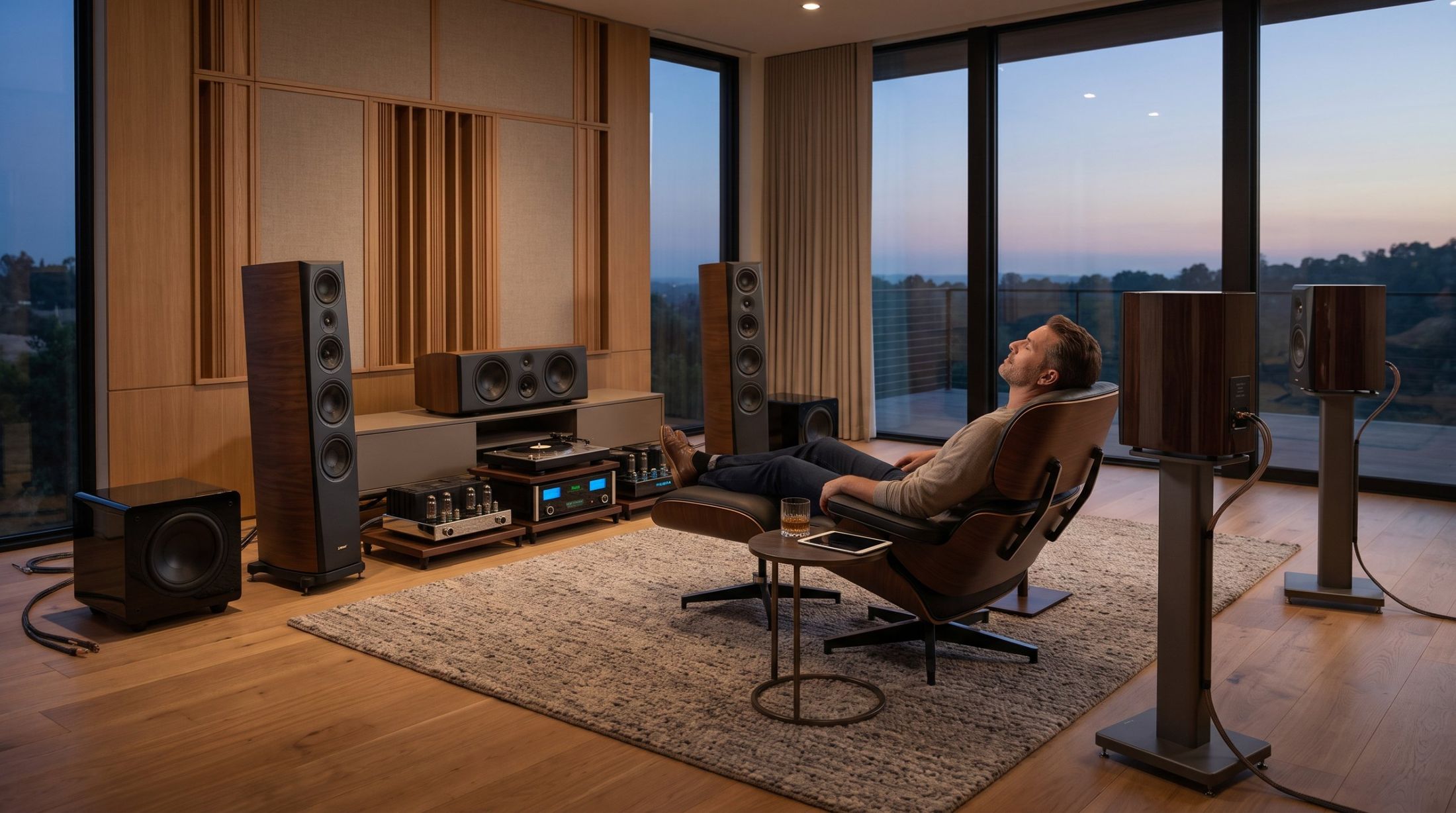
Stereo to surround · A practical guide

How to convert stereo FLAC
to 5.1 surround.

There is no hidden 5.1 mix inside a stereo file. But there are three honest ways to bring your music around you: your AV receiver, software you run yourself, or a conversion crafted for each song. Here is what each one involves, sounds like and costs.

First, the honest part

Two channels in.
Six channels out.

Converting stereo to 5.1 is called upmixing: building four new channels from what is already in the recording. Done well, the lead vocal settles in the center, the room and reverb open up behind you, and the deep bass goes to the subwoofer, while the front stays the song you know.

LLeft
RRight
LFront
RFront
CCenter
LFESub
LsRear
RsRear

It is not the artist's own surround mix. An official 5.1 or Dolby Atmos release is mixed from the original multitrack session. An upmix works from the finished stereo.

It can't add what isn't there. A thin or heavily compressed recording stays that way. The better the source file, the better the result.

Your three options

Choose the way that
fits your listening.

01 / Your AV receiver

Let the receiver upmix it live.

Switch your receiver to Dolby Surround or DTS Neural:X while the stereo file plays.

  • Free, instant, works on streaming too
  • One generic setting for every song
  • Built mainly for movies and height speakers
  • Nothing is saved; every room does it differently
Best forCasual background listening
02 / Do it yourself

Make your own 5.1 file.

Use free tools or studio plugins to build and export a six-channel FLAC you can keep.

  • You own the file and control the result
  • Free to about $499 for pro software
  • A real learning curve, hours per song
  • Easy to end up with a swirly, phasey sound
Best forHobbyists who enjoy the process
03 / Crafted for you

Have each song converted by an engineer.

A professional audio mix engineer builds the surround for each song by ear. You receive a private 5.1 FLAC to keep.

  • No software to learn
  • Front channels keep the full original track
  • Mixed and checked song by song
  • Most songs delivered within 48 hours
Best forFavorite albums you want to hear at their best
See how it works

Option 01 in detail

Your receiver's upmix modes.

If you own a modern AV receiver, you already own an upmixer. Dolby Surround and DTS Neural:X replaced the older Dolby Pro Logic II and DTS Neo:6 modes (Sound & Vision). Sony's manual describes Neural:X as remapping stereo, 5.1 and 7.1 movies and music to your speaker layout (Sony).

The catch is that the receiver analyses sound in real time with one setting for everything. It can't know that one song needs a quiet center and another a strong one, and on music it can pull vocals or instruments away from where you expect them.

Try this: play a song you know by heart in both modes. Listeners on the Audioholics forum disagree about which suits music better, so trust your own ears.

See the full comparison: receiver modes vs. a dedicated 5.1 conversion →

Option 02 in detail

Doing it yourself.

If you want a 5.1 FLAC you can keep, you can build one. From simplest to most advanced:

1

FFmpeg, free. Its built-in surround filter upmixes stereo to 5.1 by default. Quick and free, but it is one automatic algorithm, much like a receiver mode, and the settings take trial and error.

2

AI stem separation, free but technical. Tools like Demucs split a song into vocals, drums, bass and other instruments that you place in different speakers. A free script on the VideoHelp forum chains the steps into a 24-bit 5.1 FLAC. Impressive at times, but separation leaves artifacts and a natural balance takes many listening passes.

3

Professional plugins, paid. Studio tools such as NUGEN Halo Upmix, about $499, give fine control of every channel inside audio-editing software. Made for engineers.

Whichever tool you use, judging the result needs a calibrated 5.1 system and patient listening, song after song.

A listener relaxing in a warmly lit living room with a surround sound system

Option 03 in detail

Crafted by an engineer.
Song by song.

This is what PhantomStage does. A professional audio mix engineer crafts each song individually.

The front left and right keep the full original track, untouched. The engineer then mixes the center, rear and subwoofer channels by ear for that song, so it stays balanced and the surround brings the music alive instead of sounding like a gimmick.

Made by humans, for humans. For the feeling that brought you to the music.

Any formatLossless FLAC, WAV or AIFF gives the best result
24-bit 5.1 FLACSix channels: L, R, C, LFE, Ls, Rs
Within 48 hoursFor most songs; complex projects up to 5 days
Yours to keepPlays in Kodi, Plex, JRiver, foobar2000 and receivers

Words can't describe sound. Your speakers can.

Free full-song samples. Play the stereo original, then download the 5.1 version for your own system. No account needed.

Open the Listening Room

At a glance

The three options, side by side.

AV receiver modeDo it yourselfPhantomStage
CostFree with your receiverFree to about $499Per song or album
Your time per songNone30 minutes to several hoursNone. Delivered in about 2 days
Skill neededNoneMedium to highNone
A 5.1 file to keepNoYesYes
Tuned to each songNoIf you put in the timeYes, by an engineer
Works on streamingYesNoNo

Before you start

Three checks, whichever way you go.

01

Use your best source.

Lossless FLAC, WAV or AIFF you own gives the best result: bought from Qobuz, HDtracks or Bandcamp, or ripped from your CDs. Songs saved inside Spotify, Apple Music or Tidal are locked to those apps. Where to get FLAC files

02

Confirm real 5.1 playback.

Your receiver should show a multichannel signal such as "Multi Ch In" or "PCM 5.1", not "Stereo". The Playback Guide covers Kodi, Plex, Apple TV, JRiver and foobar2000.

03

Switch off extra upmixing.

When you play a finished 5.1 file, turn off the receiver's own surround mode so the music isn't processed twice.

Common questions

Quick answers.

Does FLAC support 5.1?

Yes. FLAC can hold up to eight channels, so a 5.1 FLAC file keeps all six channels in lossless quality.

Can I convert MP3 or Spotify songs to 5.1?

Yes for MP3 and AAC files you own: PhantomStage accepts any format. But no conversion can restore quality lost when the file was compressed, and those losses can be easier to hear across six speakers. Lossless FLAC, WAV or AIFF gives the best result. Songs downloaded inside Spotify or other streaming apps are locked to the app and can't be exported.

Will a 5.1 file still play on stereo speakers or headphones?

Yes. Most players downmix it to stereo automatically. You hear the surround channels on a 5.1 system or a player with surround virtualization.

Is an upmix the same as Dolby Atmos?

No. Atmos is an object-based format mixed from the original recording sessions, with height channels. An upmix creates a 5.1 channel layout from the finished stereo.

Your first listening night

Start with one song
you know by heart.

Hear what an engineer-crafted 5.1 conversion brings to your own music, in your own room, before choosing a full album.

Single song preview

One song. Your own 5.1 conversion.
One-time payment, no subscription.

See current pricesFree samples first

Sources

Last updated November 2026. Product and store names are listed for convenience; PhantomStage is not affiliated with them.