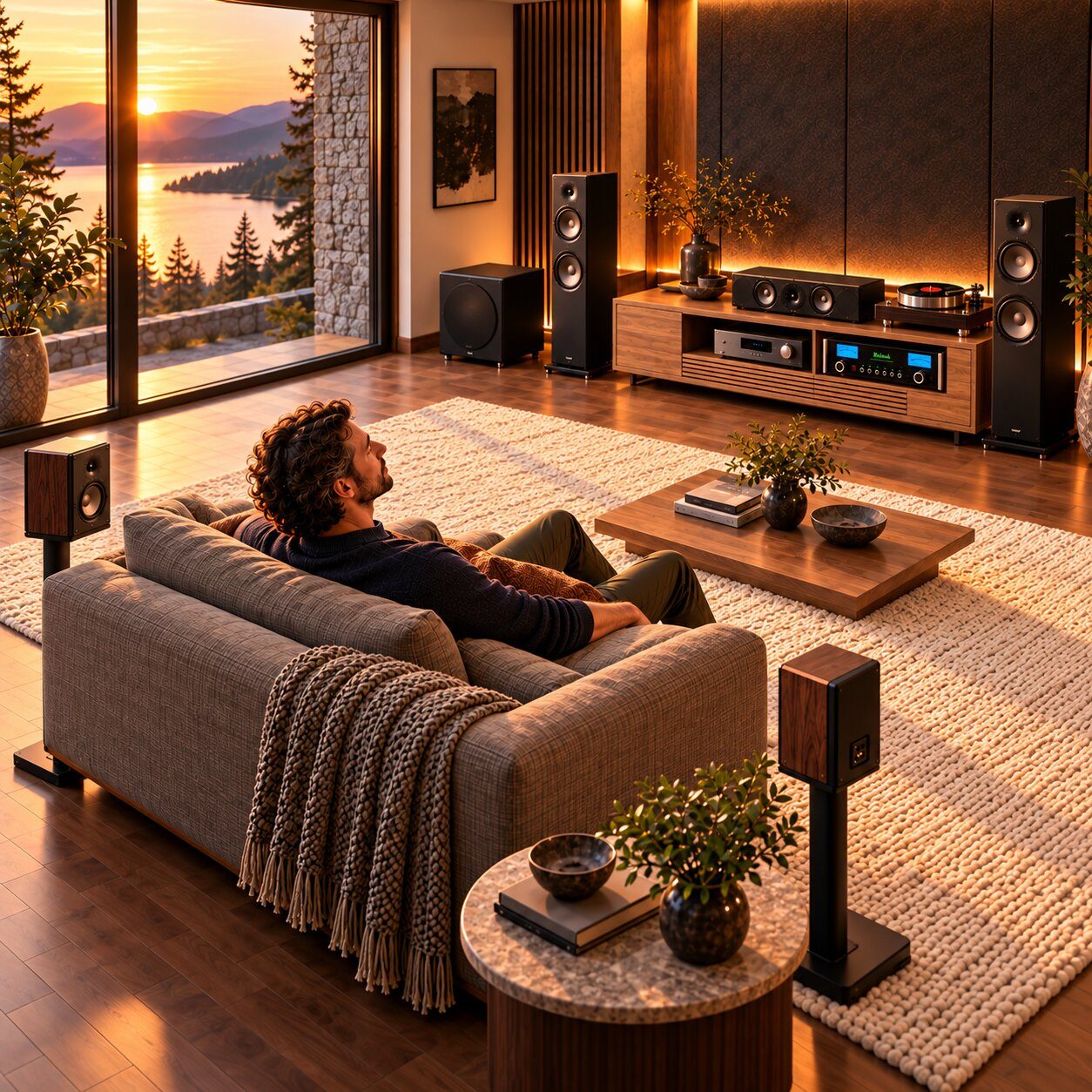
A 5.1 FLAC file holds six separate channels. Whether you hear all six depends on the app you play it with and two or three settings. Here is how to get it right on Kodi, an Apple TV and Plex, and how to prove it's really 5.1.
Receivers don't play FLAC from an HDMI source. Your player app decodes the file into multichannel PCM, sends it over HDMI, and the receiver plays each channel on its own speaker. When something goes wrong, it is almost always one link in this chain.
The file5.1 FLACSix channels, lossless
Opened by
The appKodi · VLC · PlexDecodes to PCM
HDMI
The receiver"PCM 5.1"Native multichannel mode
Plays on
Your roomSix speakers
Step by step
Set up your player.
Free · Android TV, Fire TV, Windows, Mac, Linux
Kodi
Kodi plays a 5.1 FLAC as six channels once its audio output is set to match your system. It is the most dependable free option for music files.
Plays 5.1 music reliably
Open Settings → System → Audio.
Set Audio output device to your HDMI output. On Windows, choose the WASAPI version of it.
Set Number of channels to 5.1 (or 7.1 if your receiver has seven speakers).
Leave Stereo upmix off, so stereo songs aren't spread across your speakers by Kodi.
Play the file and check your receiver shows a multichannel PCM input.
Passthrough settings don't apply here. Kodi always decodes FLAC to PCM itself; passthrough is only for Dolby and DTS soundtracks.
Apple TV 4K
Apple TV
The Apple TV always decodes audio and sends it as multichannel PCM; it has no passthrough. What matters is the audio format setting and an app that opens FLAC.
Works with the right app
On the Apple TV, open Settings → Video and Audio → Audio Format and choose Auto. The Dolby Digital 5.1 option is a compressed fallback for older equipment.
Connect the Apple TV to an HDMI input on the receiver, not through the TV.
Install a player app that opens FLAC files. Free VLC can receive a file you send from a computer browser on the same network with its Remote Playback feature.
Play the file, then check the receiver's input information for PCM 5.1.
Results depend on the app and its current version. Test with a free sample from our Listening Room before buying any app. The samples also come as a 5.1 ALAC video file, an option chosen with Apple TV players in mind.
Plex · Plexamp
Plex
Plex is great for movies, but its handling of multichannel music files has changed between apps and versions. Many users report 5.1 music libraries playing in stereo.
Test before you rely on it
Play one 5.1 FLAC and open the playback info. Look for Direct Play and 5.1.
Check the receiver. If it shows PCM 2.0, or only the front speakers play, the app is folding the file down to stereo.
Try the same file in Kodi or VLC on the same box. If those play 5.1, the limit is the Plex app, not your file or receiver.
Plex users report that on some players, surround only works when the audio is inside a video container. If you love Plex, it's worth testing a video version of a song as well as the FLAC.
At a glance
Which player for 5.1 music?
Player
Cost
5.1 music files
Kodi
Free
Reliable once Number of channels is set
VLC
Free
Opens FLAC on Android TV and Apple TV; check the receiver shows 5.1
Apple TV apps
Free and paid
Apple TV outputs multichannel PCM; support depends on each app
Plex
Free, Plex Pass optional
Reported stereo-only on some apps; test first
TV's built-in player
Free
Often folds multichannel FLAC down to stereo
Playing from a Windows PC or Mac instead? Our Playback Guide covers desktop players and headphones.
Troubleshooting
When it doesn't sound like 5.1.
Only the front speakers play
The app is sending stereo. Set the channel count to 5.1 in the app, and check the receiver input says PCM 5.1, not PCM 2.0.
Every speaker plays the same thing
The receiver is in an all-channel stereo mode, such as Multi Ch Stereo. Switch to its native multichannel mode.
The receiver shows Dolby Digital
On an Apple TV, the audio format is set to Dolby Digital 5.1. Set it back to Auto for uncompressed multichannel PCM.
The box connects through the TV
Optical cables and many ARC connections can't carry multichannel PCM. Connect the player to an HDMI input on the receiver, or use eARC.
Words can't describe sound. Your speakers can.
Test your setup with a free full-song sample. Every song comes in stereo and in PhantomStage 5.1, as FLAC and as an ALAC video file.
Not by itself; tvOS has no built-in FLAC player. Third-party apps such as VLC open FLAC files, and the Apple TV then sends their audio to your receiver as multichannel PCM.
Should I turn on passthrough for FLAC?
It makes no difference. FLAC is always decoded by the player and sent as PCM. Passthrough is for Dolby and DTS soundtracks.
Is multichannel PCM lossless?
Yes. PCM is uncompressed, so a decoded FLAC reaches your receiver with nothing lost.
My receiver shows 5.1, but the center sounds quiet. Is that normal?
It can be. In a music mix the center often carries less than in a movie. Check your speaker levels after calibration, then judge with a song you know well.
Which receiver mode should I use?
Its native multichannel mode, such as "Multi Ch In" on Denon. Avoid Dolby Surround, DTS Neural:X and all-channel stereo for 5.1 files; the receiver modes guide explains why.
Last updated November 2026. App menus and behavior change with updates; check the current version on your device. Kodi, Apple TV, Plex, VLC and other names belong to their owners; PhantomStage is not affiliated with them.