Dolby Surround · DTS Neural:X · PhantomStage

Your receiver's surround mode,
or a mix made for the song?

Every modern AV receiver can spread stereo music across your speakers. It does it live, in milliseconds, with one setting for everything you play. A dedicated 5.1 conversion is mixed by ear for each song before you ever press play. Here is how they really differ.

The core difference

A split-second guess,
or the whole song considered.

An upmixer inside a receiver only ever hears a tiny slice of the music at a time, and has to decide instantly what goes where. A conversion is made after listening to the complete song, so every decision fits the music around it.

Inside your receiver

The three modes you are choosing between.

Dolby

Dolby Surround

Dolby's upmixer, introduced with Atmos receivers to replace Pro Logic II (Sound & Vision). Often the better of the two on music, but its "center spread" control, which keeps the front stereo image wide, was removed from licensed products from 2020, according to Audioholics.

DTS

DTS Neural:X

DTS's upmixer for stereo, 5.1 and 7.1 sources. It has no dedicated music mode, unlike the older Neo:X it replaced, and Audioholics' editor called it "absolutely dreadful sounding" for two-channel music (Audioholics).

Brand modes

All-channel stereo

Modes like Multi Ch Stereo simply copy the left side to every left speaker and the right side to every right speaker. Loud and wide, but every instrument comes from everywhere, so there is no real surround image.

Older receivers also offered Pro Logic II Music, with Panorama, Dimension and Center Width controls you could tune (Yamaha manual). Today's upmixers give you far fewer of those choices.

Side by side

Receiver mode vs. PhantomStage.

Receiver upmix mode
PhantomStage conversion
Who decides
An algorithm, the same for every song
A professional audio mix engineer, by ear, for that song
When
Live, a fraction of a second at a time
Before delivery, with the whole song heard
Front left and right
Processed along with everything else
The full original track, untouched
Center and rear
Whatever the algorithm extracts at that moment
Mixed and balanced so the song stays itself
Consistency
Changes with brand, model, firmware and mode
The same file sounds the same on every system
Checked before you hear it
No
Yes, every song is checked before delivery
Something you keep
Nothing is saved
A private 24-bit 5.1 FLAC, yours to keep
Cost
Free with your receiver
Per song or album

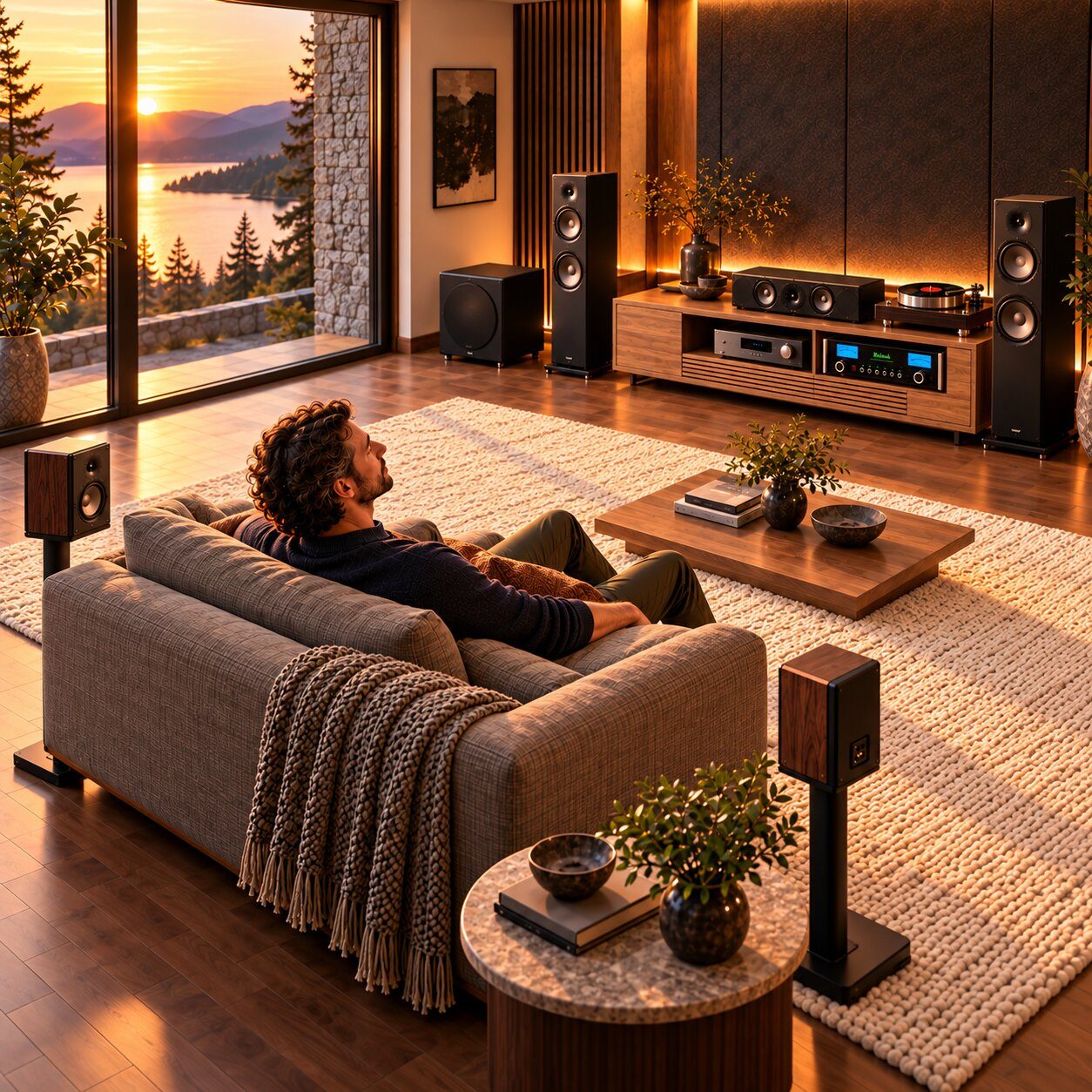
Why listeners choose a conversion

Six reasons it sounds
like music, not a mode.

01

Made for this song.

A ballad, a live album and a dense rock mix need different surround. Each conversion is shaped around the song in front of the engineer, not a preset built for movies.

02

Your original, untouched.

The front left and right keep the full original stereo track. Nothing in the mix you know is pulled away or processed out of shape.

03

Mixed by ear.

A professional audio mix engineer listens and decides what belongs in the center, the rears and the subwoofer. People hear music; algorithms measure signals.

04

No gimmicks.

No swirling, no instruments jumping between speakers, no pumping on drum hits. Every song is checked before it is delivered to you.

05

Same on every system.

Your receiver, a friend's home theater, Kodi, Plex, Apple TV or a second room: a 5.1 file plays the same way everywhere, with no mode to set.

06

Yours to keep.

A private, lossless 24-bit 5.1 FLAC for your collection. When you change receivers, your surround music comes with you.

What experienced listeners report

Receiver upmixing, in their words.

In a two-channel upmix comparison, the Audioholics editor heard more detail from Neural:X than Dolby Surround, but also pumping artifacts during transients.

Audioholics: 2CH upmixing comparison

One forum member found Neural:X inconsistent: on some tracks it sent strong direct sound to the surrounds, close to all-channel stereo.

Audioholics forum

Another listener felt Dolby Surround placed instruments around him that didn't belong there on some songs.

Audioholics forum

Opinions vary, and many owners enjoy their receiver's modes. That is exactly why the best test is your own ears, on your own system.

Being fair

When each one makes sense.

Use your receiver's mode for

  • Streaming, radio and background music
  • Movies and TV with stereo soundtracks
  • Trying surround on everything, for free

Choose a PhantomStage conversion for

  • The albums you love and play again and again
  • Listening nights where the music is the point
  • Surround that stays true to the original, on any system

Hear the difference in ten minutes

Compare them on your own system.

01

Pick a free sample.

Open the Listening Room and choose a song. Play the stereo original through your receiver in Dolby Surround or Neural:X.

02

Download its 5.1 version.

Play the PhantomStage 5.1 FLAC with the receiver in its native multichannel mode, such as "Multi Ch In", with no extra upmixing. The Playback Guide shows how.

03

Listen at the same level.

Match the volume and sit in your usual seat. Listen to the vocal, the drums and the space behind you. Then decide.

Words can't describe sound. Your speakers can.

Free full songs, no account needed. Every sample comes in stereo and in PhantomStage 5.1, so you can compare them directly.

Open the Listening Room

Common questions

Quick answers.

Should I use my receiver's upmix on a PhantomStage file?

No. A PhantomStage file already has six real channels. Play it in your receiver's native multichannel mode so it isn't processed twice.

Will my room correction still work?

Room correction is separate from upmixing, so you can usually keep it on. Some receivers disable it in Direct or Pure Direct modes, so check your manual. The Playback Guide explains the settings.

Which is better for music, Dolby Surround or Neural:X?

Listeners disagree. Many prefer Dolby Surround for music, and Audioholics' editor has criticized Neural:X for two-channel music. Try both on a song you know well.

Is a PhantomStage conversion the same as Dolby Atmos?

No. It is a private 5.1 conversion of your stereo music, not an official Atmos or artist remix. The front keeps your original stereo track, with center, rear and subwoofer channels mixed around it.

Can I send MP3 files?

Yes, any format is accepted. Lossless FLAC, WAV or AIFF gives the best result, because no conversion can restore quality lost to compression.

New to all of this? Start with how to convert stereo FLAC to 5.1.

Your first listening night

Hear one song
mixed for your room.

Start with a song you know by heart and hear what an engineer-crafted 5.1 conversion does that a surround mode can't.

Single song preview

One song. Your own 5.1 conversion.
One-time payment, no subscription.

See current pricesFree samples first

Sources

Last updated November 2026. Dolby, DTS and other names belong to their owners; PhantomStage is not affiliated with them. Receiver features vary by model and firmware.